
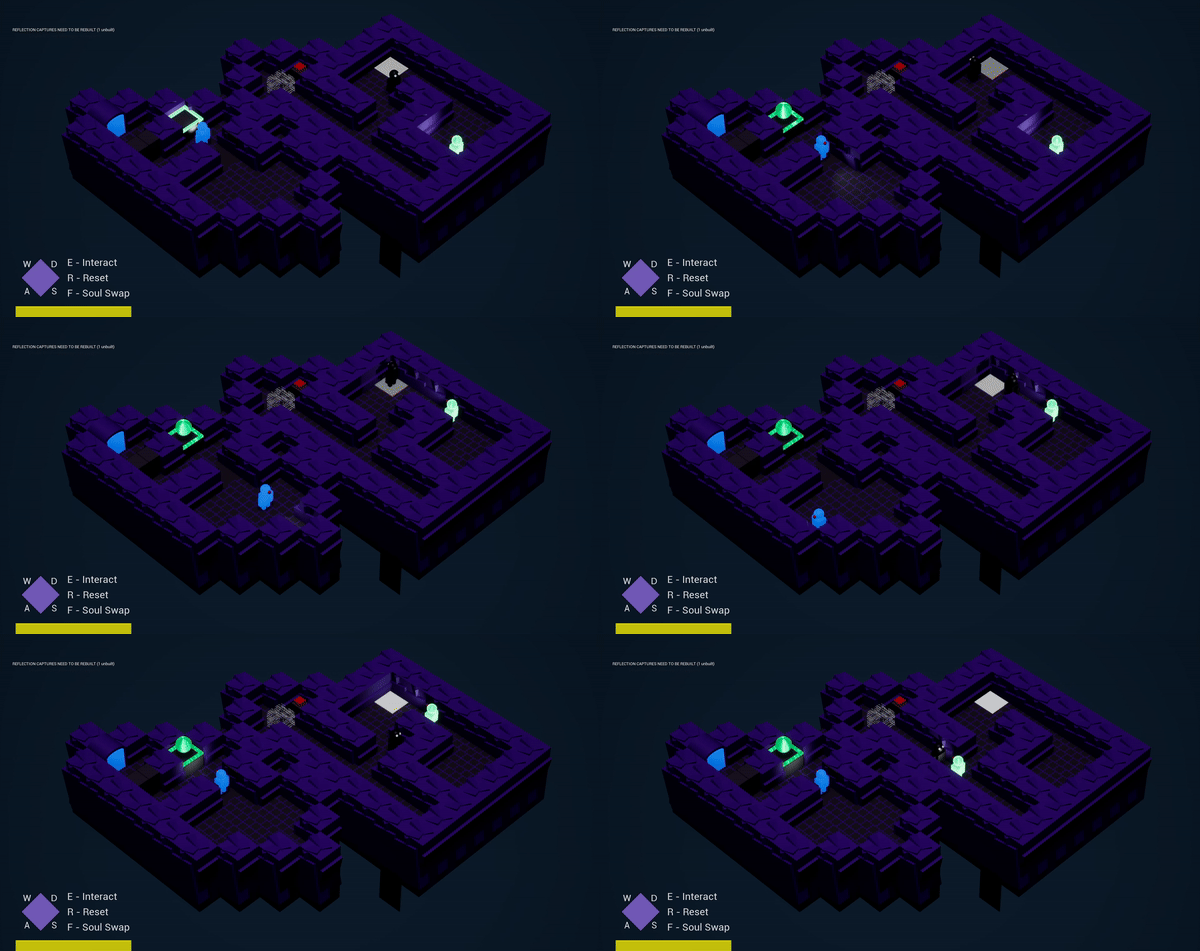
This month I was able to work on a tile-based game called tournamental. The month was split up into weekly sprints in which I focused on different aspects of development. The overall objective of the sprints was to implement new mechanics into the game, and make levels based off of the usage of those mechanics. Tournamental already had basic player movement and interaction systems set up, as well as a way to implement new levels into the game. There weren’t too many restrictions for this project, so I was able to take it in whichever direction that I saw fit!
Week 1 – Research and Planning:
The first week was for researching tile-based games and planning out the mechanic that I wanted to implement into Tournamental. I came up with the idea of creating an entity that mimics the players movement and hinders them from completing the level. I decided to call my mechanic “the Copycat”. This month we were using ClickUp for task and progress tracking, so I set up a ClickUp task for the mechanic at this time as well. ClickUp is also where I put my design documentation and storyboard.


References and Inspiration
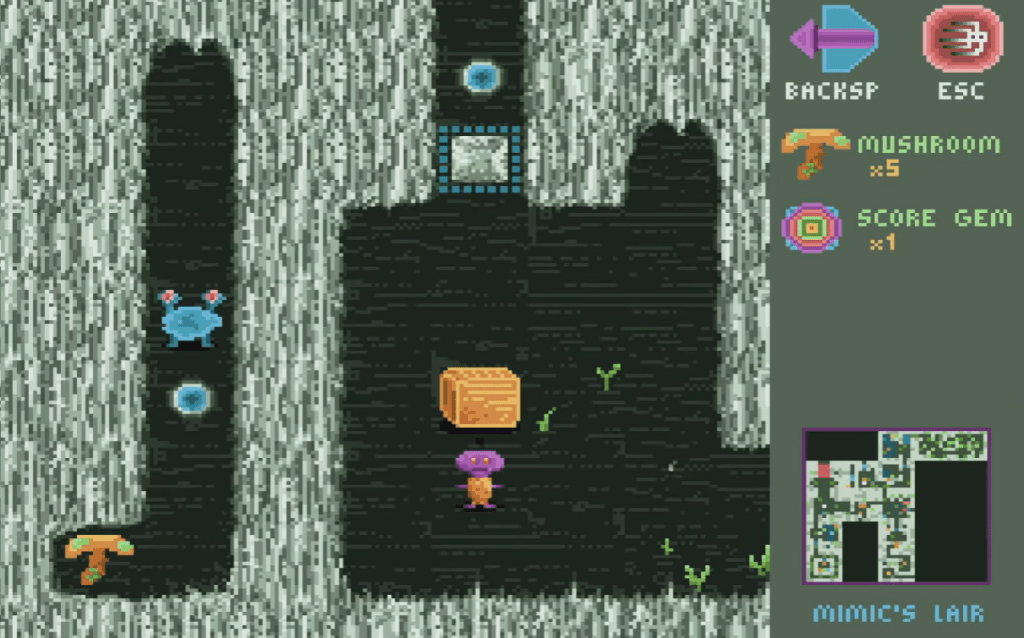
Corrypt (Blue Frogs)
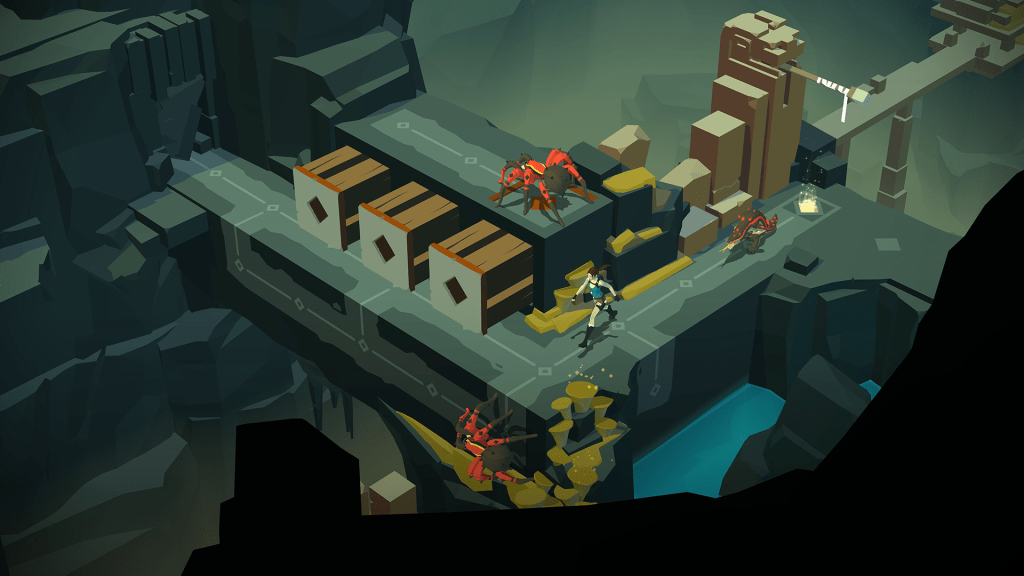
Lara Croft GO (Salamanders)
Sprint 1: Navigator
In the first sprint, I was tasked with designing and implementing the mechanic that I had come up with into the game. Additionally, I was to make a level that showcased the mechanic. There was definitely a learning curve here, as I had to get used to the tile-based system that I had never worked with before. Once I got the hang of it though, I was able to create my mechanic how I envisioned and planned it. The video below goes into further depth about the mechanic that I created in this sprint, as well as the code behind it.
Sprint 2: Driver
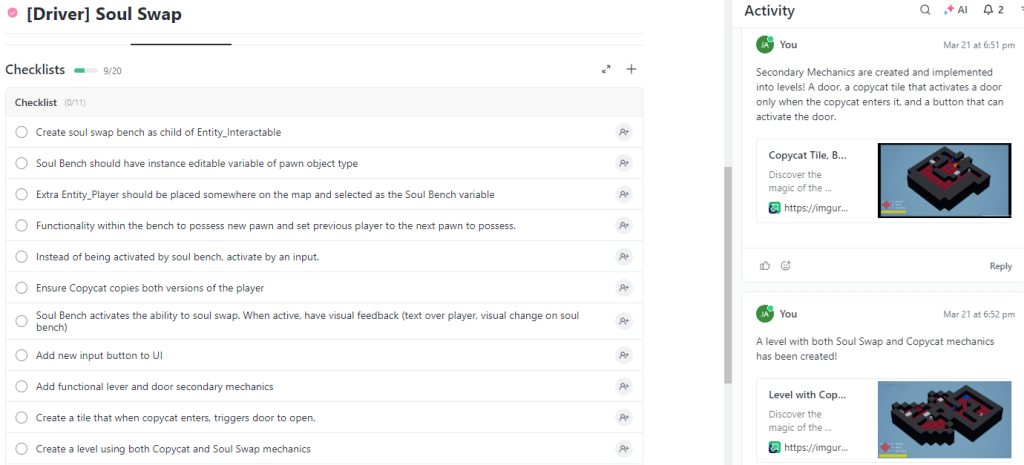
Now that I had created my own mechanic, I was tasked with finding a mechanic created by a classmate and implementing it into my game. I needed to ensure that the two mechanics would be able to work well together to create a fun experience for the player. The mechanic that I chose was called “Soul Swap”, which allowed the player to repossess another player in the level by interacting with a “Soul Bench”. Once I decided on this mechanic, I created a new ClickUp task to track my progress, since it was pretty useful last week.
In order to make this work, I had to ensure that my copycat mechanic would copy multiple players now, and do so in the same way for every player, so some functionality changes were needed. I also ended up changing some functionality of the “Soul Swap” mechanic, but the core functionality stayed the same. At the end of this Sprint, I was able to do some polish and art changes to the game. The video below goes into more depth about what I worked on for this Sprint, and the code behind it.
Reflections: Successes
Task Management (ClickUp)
Using a site like ClickUp was very beneficial, as it let me keep track of a to-do list and add or check off tasks as needed. I found myself getting through the checklist and adding more things onto it as I went on through the sprints. It also helped my classmates in Sprint 2 who used my mechanic, as I was leaving comments in the activity feed to display my progress. Keeping track of my tasks was a huge help for this project.

Player Facing Information
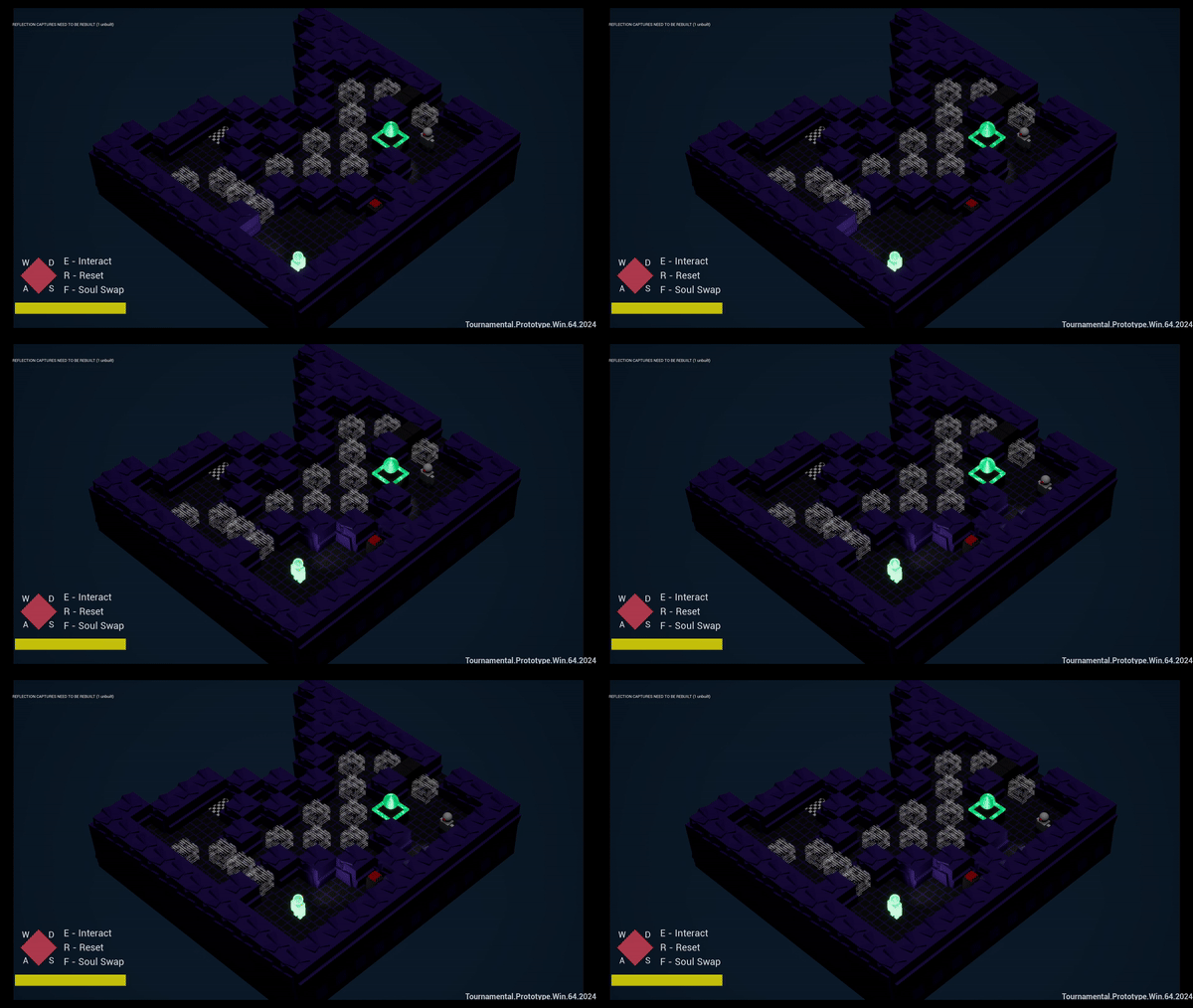
A huge priority in sprint 2 was to add more player facing information to ensure that the player understands what is going on in the game. For example, I added audio to interactable objects, visual feedback when objects are interacted with, different materials for the main player and the soul swap player, colors/materials matching the entity/object that corresponds to their use, etc.. I’m particularly proud of the Soul Swap visual feedback, as I wasn’t all that sure how to go about coding it, but it ended up looking and feeling pretty good.
Both Mechanics Worked Well Together
When I had to choose a new mechanic in sprint 2, I spent quite a lot of time trying to find one that I could envision working well together with my own mechanic. I decided on the soul swap mechanic, and was troubled to find that it wasn’t going to be so easy to get the two mechanics to be compatible. However, by the end of the sprint, I had both of the mechanics working well together in a way that provided a fun and interactive experience to the player. Not only did they work well together, but they worked well on their own too.

Problem Solving
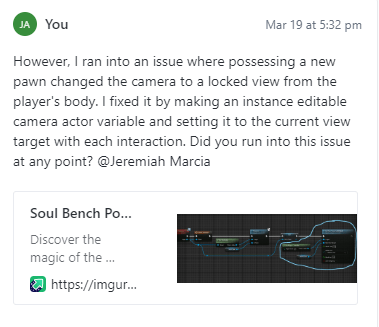
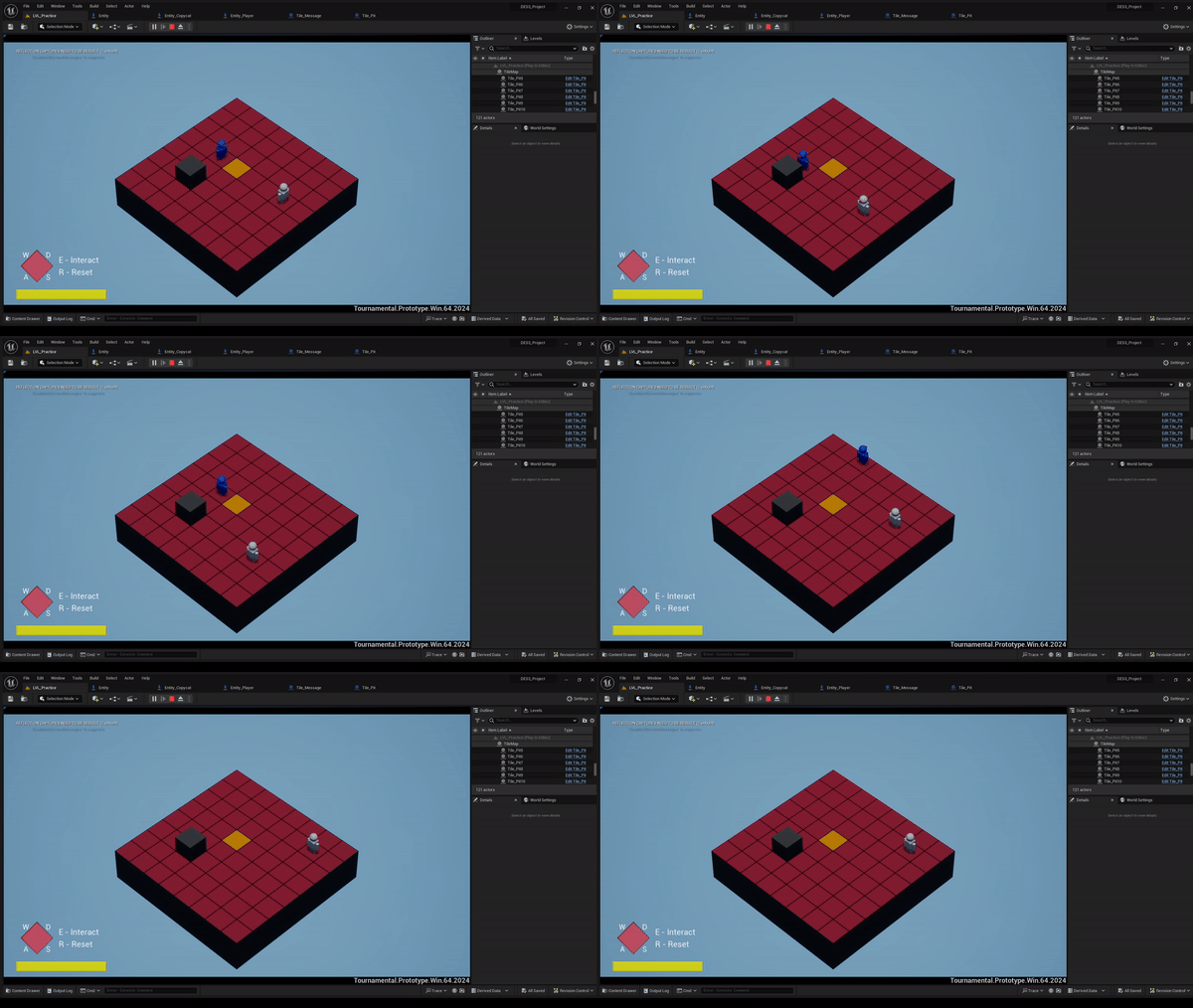
I encountered a lot of bugs and issues throughout the two sprints, and worked hard to fix them anytime they popped up. For example, if the copycat fell into a pit, it would produce error messages if the player tried to enter the last tile that the copycat was on before falling. I fixed this by having the copycat set its tile to be enterable when it falls into the pit. There were also a lot of things that simply weren’t initially working how I wanted them to, but I was able to fix those things as well. By the end of the project, the game was bug-free and both mechanics functioned as intended.
Original Vision Fulfilled and Completed on Time
Going into the first sprint, I had created backup mechanic documentation in case the Copycat mechanic didn’t go well. Luckily, I didn’t have to use them, as I was able to complete and fulfill my original design and vision for the mechanic. Additionally, I was able to complete my checklist for both sprints a day or two before the deadline, which allowed me to spend time fixing bugs, simplifying my code, and polishing the game.
Reflections: Challenges
Tile-Based Learning Curve
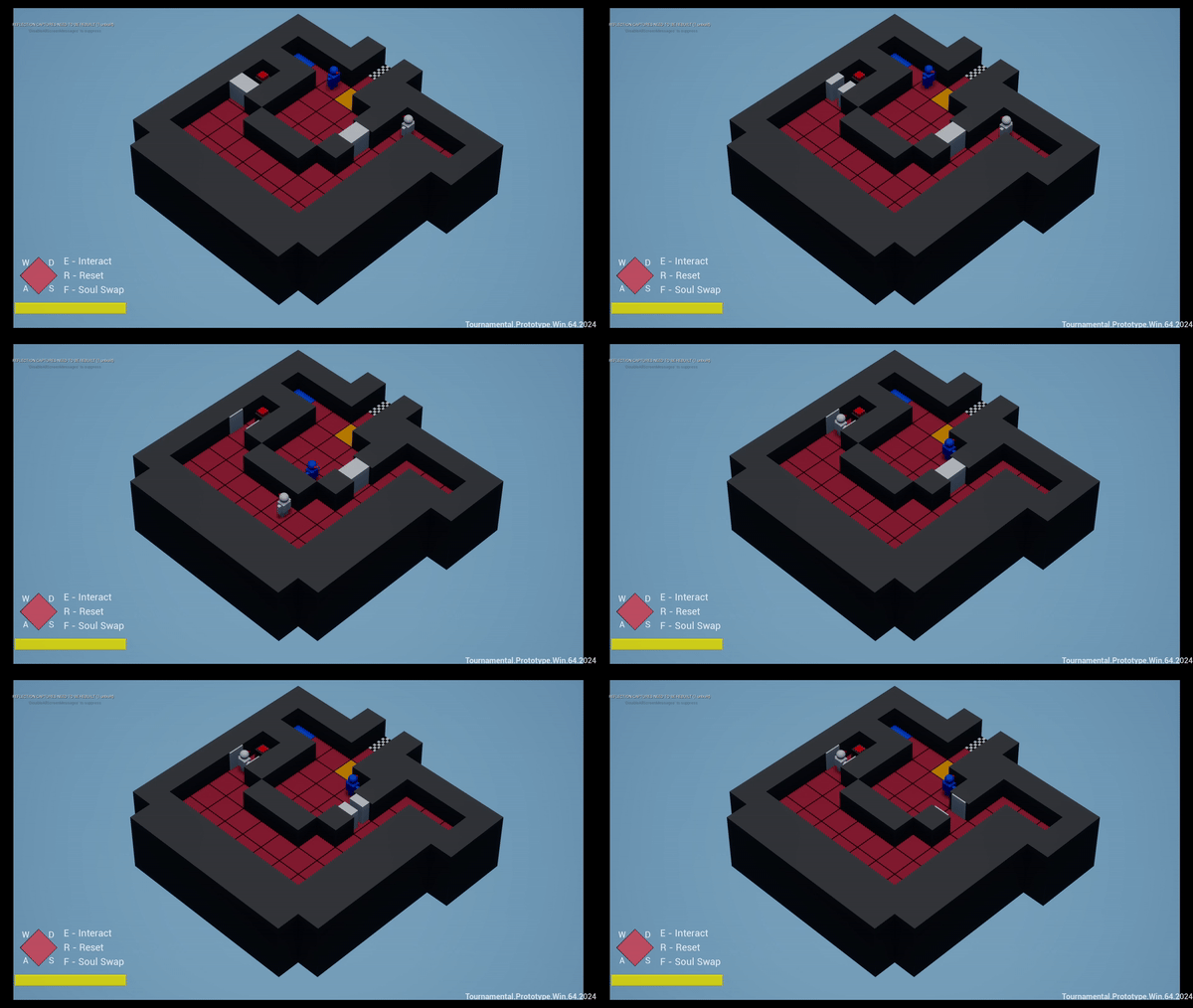
Up to this point, I had never worked with a tile-based game. I was used to working with third or first person games with collision, which Tournamental did not have. There was a huge learning curve, as I had no external documentation for how the systems work, and could only look through the blueprints within the project to understand how things work within a tile-based coordinate system with no collision. It was a setback for a good majority of the project, as I would encounter myself implementing something new and realizing I had to implement it in a different way that would work with the tile-based project. Eventually though, I was able to get familiar with it and implement some things that I’m proud of.
Copycat Movement (Sprint 1)
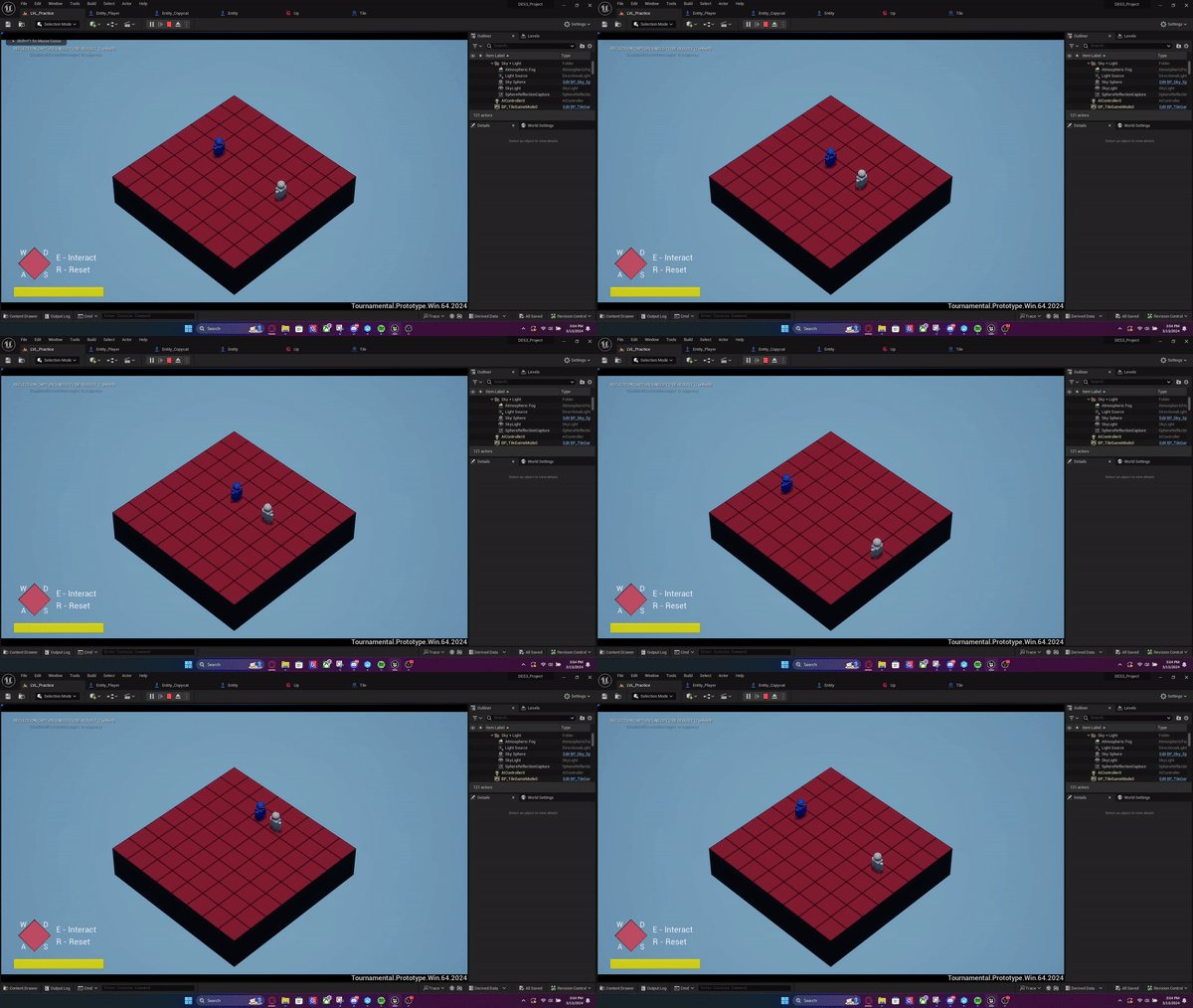
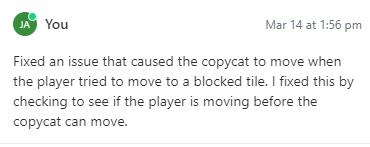
When I first began work on the Copycat, it took me quite some time to get it to properly mirror the players movement and change direction. Getting the copycat to copy the players exact movements was fairly simple, but getting it to mirror the players movements proved to be more difficult. I eventually looked around throughout the code of other things in the project, such as how the player moved and how entities function, in which I was then able to come up with a solution. My issue was that I went into the sprint with a plan for how I was going to do the movement, but didn’t realize how different the tile-based system was to what I am normally used to. If I were to do something differently, I would have carefully analyzed all of the player and entity blueprints before attempting to do any coding myself.
Copycat Movement (Sprint 2)
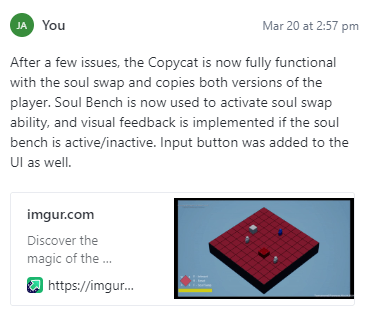
Once again in sprint 2, I had issues with the copycat’s movement. But this time, it had issues copying the second player (soul swap player entity). I spent hours trying to get it to read and understand that it should copy both player entities, but it wouldn’t. Eventually I got it to only track the second player’s movements, but not the first players. At least that was progress. Next, I was able to get it to track the first player’s movement, and the second’s, but only for one cycle of the soul swap. Continuing to use the soul swap mechanic just made the copycat move in one direction. After taking a mental break and getting some lunch, I realized that the copycat wasn’t reading the second player’s direction because the variable that it was using to reference the player was a single player object reference. To fix this, I changed its functionality to reference an array of players, and used a for each loop to run its movement function. Finally, the two mechanics were working properly together.
Time Spent Troubleshooting
Although problem-solving and troubleshooting are important parts of game design, I probably spent a lot more time than necessary figuring out problems on my own. I’ve always felt like the best way to learn is to sit down and figure something out myself, but in a setting where I have limited time, that might not be the best option. If I were to do something different, I would have liked to contact my professor or peers for assistance after my initial troubleshooting attempts, instead of working on the problem for hours until I figured it out. Overall, a lot of time was put into troubleshooting, which could have possibly been used for something else like improving or adding functionality to the mechanics.
Art Direction
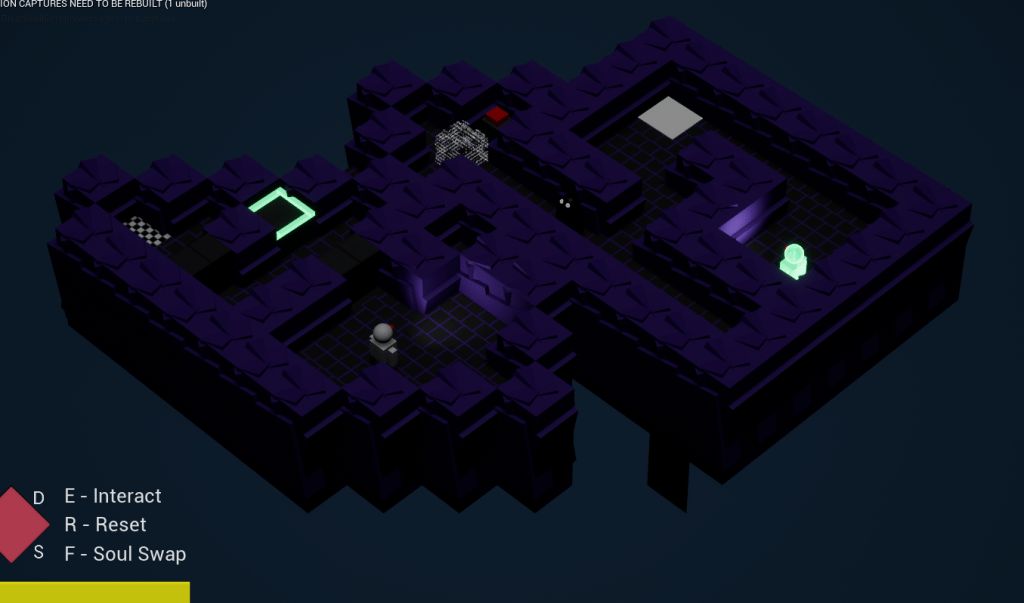
As I finished most of my checklist for sprint 2, I got to the point where I had time to change the art style of Tournamental. Initially, I wanted to go in a horror direction and even have a jumpscare if you come face to face with the Copycat. I wanted to replace most of the objects with assets, so I spent a few hours looking for assets, migrating them, and testing to see how they looked within my project. However, I realized that I didn’t have enough time to find assets for every single object, and create jumpscare functionality and other horror elements within the game. So after putting hours into that idea, I discarded it and decided to stick with the low-poly theme. I didn’t use any migrated assets, and all objects visuals were created by me, which was a benefit to keeping the low-poly theme since I am not competent in 3D modeling. By the time I finished with the art changes, I was pretty content with how the game looked, despite the initial hiccups. If I were to change anything, I would have created a reference board or mood board and ensured that any idea I had was realistic in terms of scope and time.
Future Sprint:
Although I’m pretty content with where my project is at, there is definitely a lot that could still be done. My focus for the next sprint would be adding more levels. At the moment, my game only has 3 playable levels, 2 of which introduce each mechanic and 1 that uses both. I would instead want to structure levels based off of IPM pacing. Having at least 1 level each for introduction, practice, and mastery (totaling 3 levels per mechanic), and 3 levels for the two of the mechanics together. I can also add introductory levels to the game that establish how the player should move, interact with boxes, advance to the next level, etc.
I like the idea of having different sections of levels having different visual aesthetics. For example, the game’s introductory levels could be a grassy plane, the soul swap mechanic levels could take place in a city on the clouds, the copycat levels could take place in a dark dungeon or lava area, etc. Overall, I would like to have 10-20 levels if possible, with the scenery of the levels changing as the player progresses. The changing scenery and theme of the levels could also indicate a developing storyline or overarching goal for the player, which could get more focus in future sprints.
 Jesse Aldredge - Game Designer